
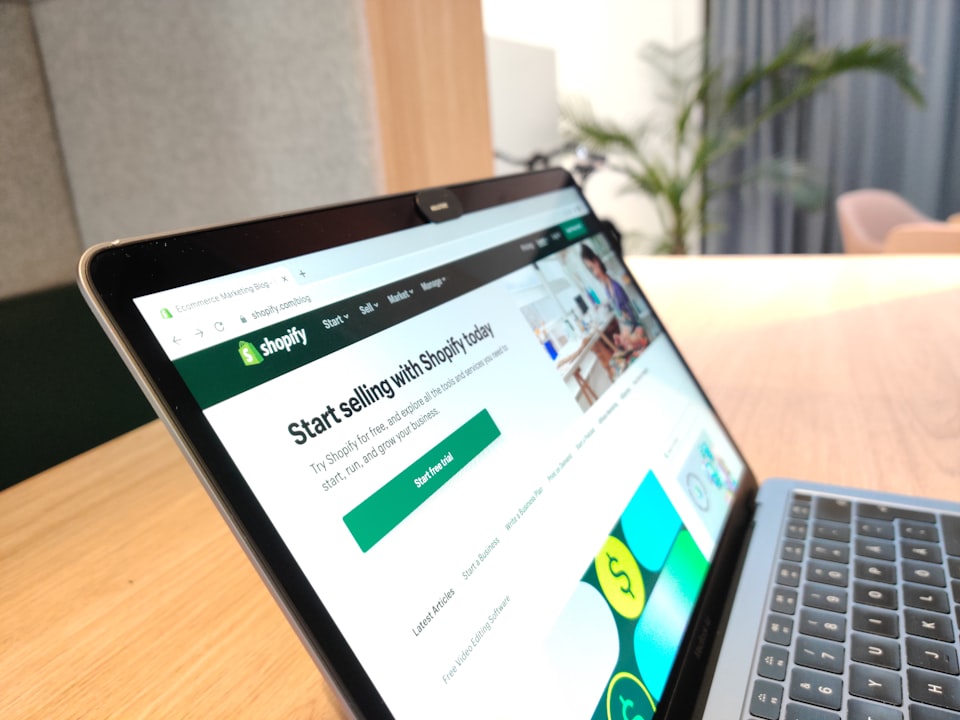
Starting a Shopify store in 2025 is one of the most accessible ways to build a real online income. Whether you want to sell your own products, run a dropshipping business, or move your local store online — this guide walks you through every step from zero to your first sale.
Why Shopify in 2025?
Shopify powers over 4.5 million stores worldwide and remains the go-to platform for ecommerce beginners and experts alike. In 2025, it's faster, more affordable, and more feature-rich than ever. With built-in payment processing, mobile optimization, and hundreds of apps — you can launch a professional store without any coding knowledge.
Compared to WooCommerce, Shopify requires no hosting management. Compared to Amazon, you own your brand and customer data completely.
Step 1 — Choose Your Niche
Your niche is the category of products you'll sell. A focused niche outperforms a general store because it builds trust, lowers ad costs, and makes SEO easier.
Good criteria for a winning niche in 2025:
- Products priced between $30–$150 (good margin, low return rate)
- Solves a real problem or targets a strong passion
- Not dominated by Amazon's own branded products
- Has stable or growing search demand on Google Trends
Examples of profitable 2025 niches: pet accessories, home organization, fitness gear, car accessories, eco-friendly products, and baby items.
Step 2 — Sign Up for Shopify
Go to shopify.com and start a free 3-day trial (no credit card needed). After that, the Basic plan costs $29/month. This is enough for most beginners. You'll be asked to enter your store name — choose something brandable, short, and memorable.
Step 3 — Choose and Customize Your Theme
Shopify offers free themes in its Theme Store. For 2025, the best free themes for beginners are:
- Dawn — Clean, fast, great for physical products
- Refresh — Modern layout, perfect for lifestyle brands
- Sense — Ideal for beauty and wellness products
Once installed, customize colors, fonts, and layout to match your brand. Keep it simple — a clean store with fast loading speed converts better than a heavily designed one.
Step 4 — Add Your Products
Navigate to Products → Add Product. For each product include:
- Clear title with main keyword (e.g., "Stainless Steel Water Bottle 1L — BPA Free")
- Detailed description covering benefits, not just features
- At least 3–5 high-quality images (white background + lifestyle shots)
- Accurate pricing with a compare-at price to show a "discount"
- Inventory and shipping settings
Step 5 — Set Up Payments
Enable Shopify Payments (available in most countries) or PayPal. If you're targeting UAE or GCC customers, integrate Telr or PayTabs. Also add Cash on Delivery if your market expects it — this significantly increases order completion rates in South Asian and Middle Eastern markets.
Step 6 — Connect Your Domain
Go to Settings → Domains → Buy or Connect a Domain. A custom domain ($10–$15/year) builds brand credibility instantly. Avoid using the default myshopify.com URL for your live store.
Step 7 — Launch and Get Your First Sale
Before launching, run through this checklist:
- ✅ Test checkout with a real order (then refund yourself)
- ✅ Set up Google Analytics and Meta Pixel
- ✅ Write your About, Contact, Refund, and Privacy pages
- ✅ Enable abandoned cart emails in Shopify Email
- ✅ Post your store link on social media and WhatsApp groups
For your first traffic, focus on organic: Instagram/TikTok content, Facebook groups, or free product giveaways. Once you have a few sales, reinvest in paid ads.
Conclusion
Starting a Shopify store in 2025 has never been easier or more profitable. The platform is powerful, affordable, and beginner-friendly. The key is to start with a focused niche, keep your store clean, and drive consistent traffic through content and paid ads.
If you'd rather have experts handle the setup while you focus on your business, INBLINK's team is ready to build your store from scratch and have it live within 7–14 days.