
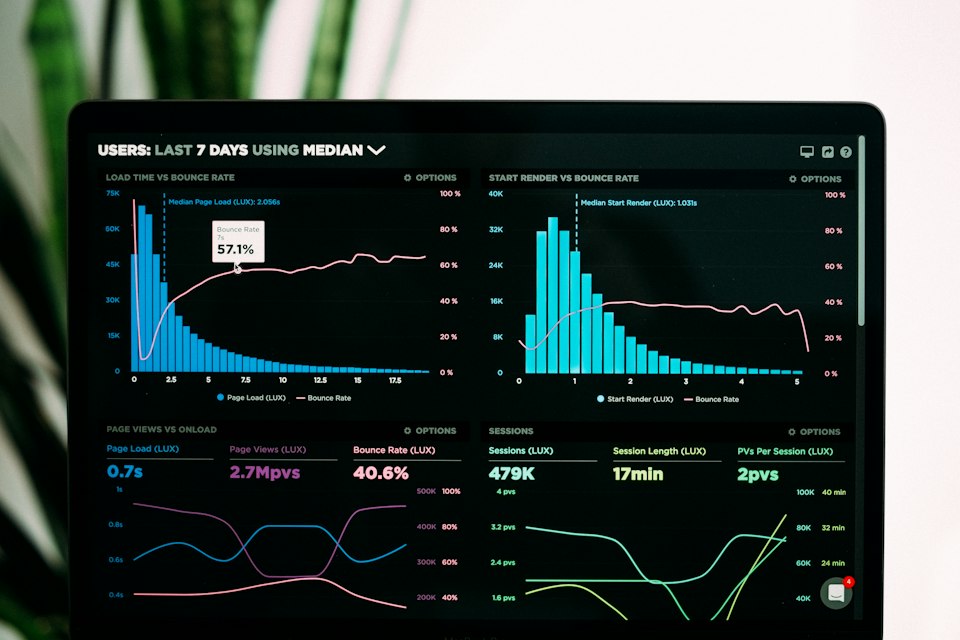
Want to increase your Shopify conversion rate and boost sales without spending more on ads? Store Conversion Rate Optimization (CRO) is the fastest way to grow revenue with your existing traffic. This INBLINK guide reveals proven strategies to optimize every part of your Shopify store for maximum sales in 2025.
What is Shopify CRO?
Conversion Rate Optimization (CRO) is the process of improving your store to convert more visitors into paying customers. If your store gets 1,000 visitors/month with a 1% conversion rate, that's 10 sales. Improving to 3% gives you 30 sales — triple the revenue with the same traffic.
Optimize Your Homepage
Your homepage has one job: guide visitors toward their first purchase as fast as possible. Key optimizations:
- Hero section must communicate your value proposition in under 5 seconds ("Eco-friendly water bottles for active lifestyles")
- Primary CTA button above the fold — "Shop Now" or "Browse Collection" — in a contrasting color
- Social proof near the top: total reviews count, star rating, or number of customers served
- Featured collection: 4–6 bestsellers, not your entire catalog
- Trust badges: secure checkout, free returns, money-back guarantee
Product Page Optimization
Product pages are where buying decisions are made. INBLINK's product page checklist:
- Images: 5–7 photos including white background, lifestyle, zoom detail, and size comparison
- Title: Include primary keyword naturally (e.g., "Bamboo Yoga Mat — Non-Slip, Eco-Friendly, 6mm Thick")
- Description: Lead with benefits, support with features. Use short paragraphs and bullet points.
- Reviews: Show star rating and review count near the top, not buried at the bottom
- Urgency: "Only 4 left" or "Sale ends in 2h 34m" — only when truthful
- Sticky Add to Cart: Button stays visible as users scroll through long product descriptions
Streamline Checkout
Every extra step in checkout costs you conversions. Optimize by:
- Enabling Shopify's one-page checkout (significantly reduces drop-off)
- Offering guest checkout — never force account creation before purchase
- Showing order summary with thumbnail images throughout checkout
- Adding Buy Now Pay Later options (Afterpay, Klarna) — these increase conversion by 20–30%
- Displaying free shipping threshold: "Add $12 more for free shipping" in the cart
Speed Optimization
Google considers page speed a ranking factor, and visitors abandon slow pages. Target: under 3 seconds on mobile. Achieve it by:
- Using Shopify's built-in image compression or TinyPNG before uploading
- Removing unused apps — each app adds JavaScript that slows your store
- Using a lightweight theme (Dawn, Refresh, or Sense)
- Enabling lazy loading for images below the fold
- Avoiding large hero videos on mobile — use a static image instead
Build Trust Signals
First-time visitors have no reason to trust you yet. Remove doubt with:
- Professional design with consistent branding — a messy store signals a scam
- About Us page that tells your story and shows real faces
- Contact page with multiple ways to reach you (email, WhatsApp, chat)
- Detailed return and shipping policy pages
- SSL certificate (Shopify provides this automatically)
- Trust badge apps near the checkout button
Track & Improve With Data
CRO is an ongoing process, not a one-time task. Set up these tracking tools:
- Google Analytics 4: Track which pages visitors drop off from
- Meta Pixel: Essential for retargeting ads
- Hotjar or Microsoft Clarity (free): Watch recordings of real visitors navigating your store — incredibly revealing
- Shopify Analytics: Monitor conversion rate, top products, and traffic sources weekly
Review data weekly and make one change at a time. This way you know exactly what's moving the needle.